
Free online tool
Free Paint by Number Generator
Turn a photo into a custom numbered design. Preview it, then download print-at-home files or order a complete kit.
- Free preview
- No account to preview
- Works on your phone
Choose a photo to start
A clear photo with one main subject works best.
Drop your photo hereChoose your photo
or click to select a fileTap to select from your camera roll
Supports JPEG, PNG, GIF, WEBP, HEIC, AVIF. Max 20MB.
Your photo is used to make your design.
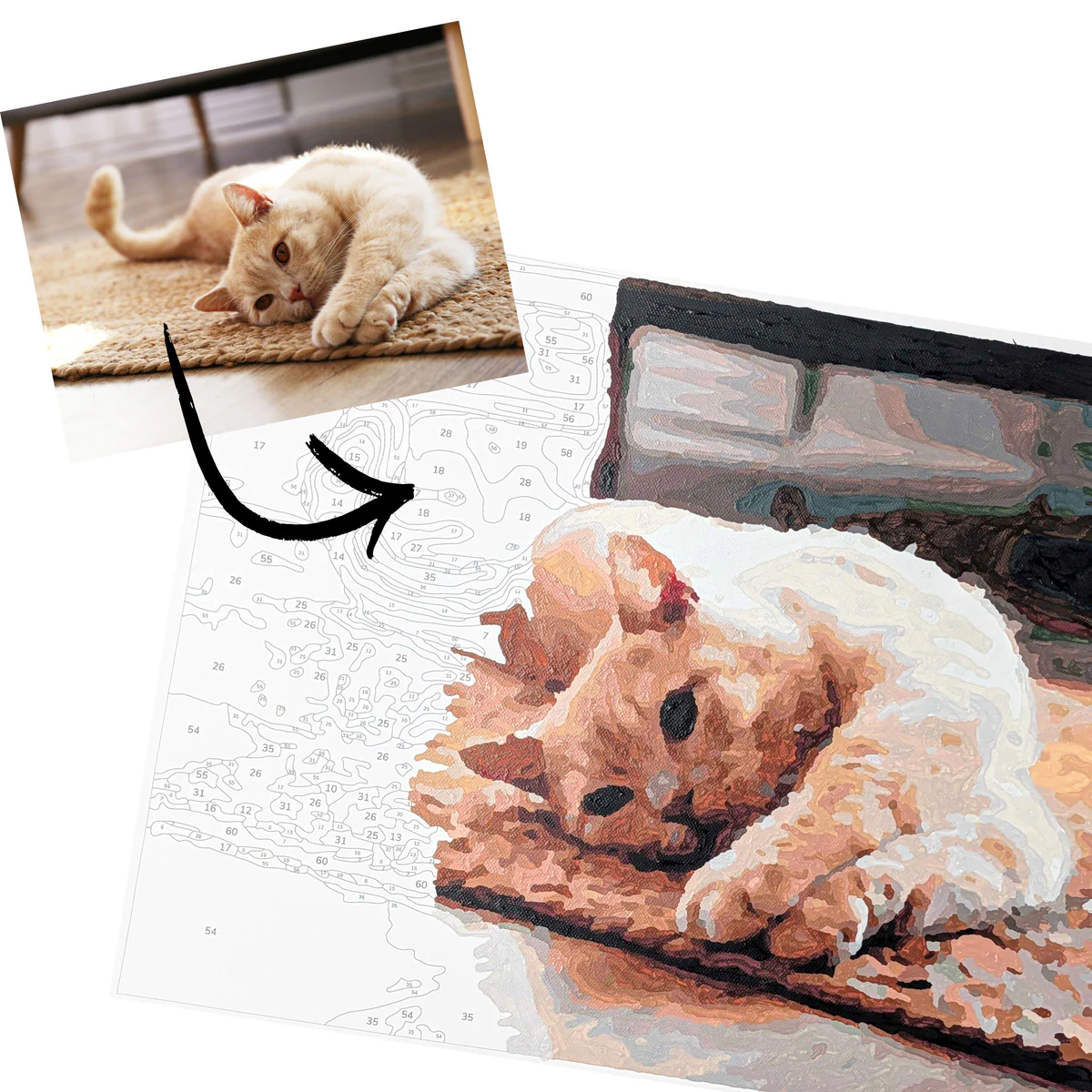
A real PBNify design
See the design before you paint it
Compare your photo with the finished design, try different crops, and choose whether to keep the background.
What the generator makes
Custom preview
See how your own photo looks as a paint-by-number.
Numbered printable
Get a clean design you can print for your DIY project.
Color guide
Use the matched palette to choose your paints.
How to make a paint by number from a photo
- 1
Upload a photo
Choose a pet, portrait, place, or any photo with a clear subject.
- 2
Review your design
Compare it with the original and pick the crop you like best.
- 3
Make it yours
Get the printable files or choose a kit with canvas, paints, and brushes.
Start with a photo worth painting
Choose a clear subject, get close enough to see the important details, and look for even light. The best photo is usually the one that reads clearly at a glance.
How to choose the right photoGood detail has to fit the page
The most detailed design is rarely the most paintable. Tiny numbered areas are hard to see and slow to fill. PBNify keeps the subject recognizable while leaving room for a brush.